authentik version 2025.12 is here!

authentik is an open source Identity Provider that unifies your identity needs into a single platform, replacing Okta, Keycloak, and Ping. Authentik Security is a public benefit company building on top of the open source authentik project.
We also have a release walkthrough video on YouTube that shows how to implement all the new features and fix any breaking changes.
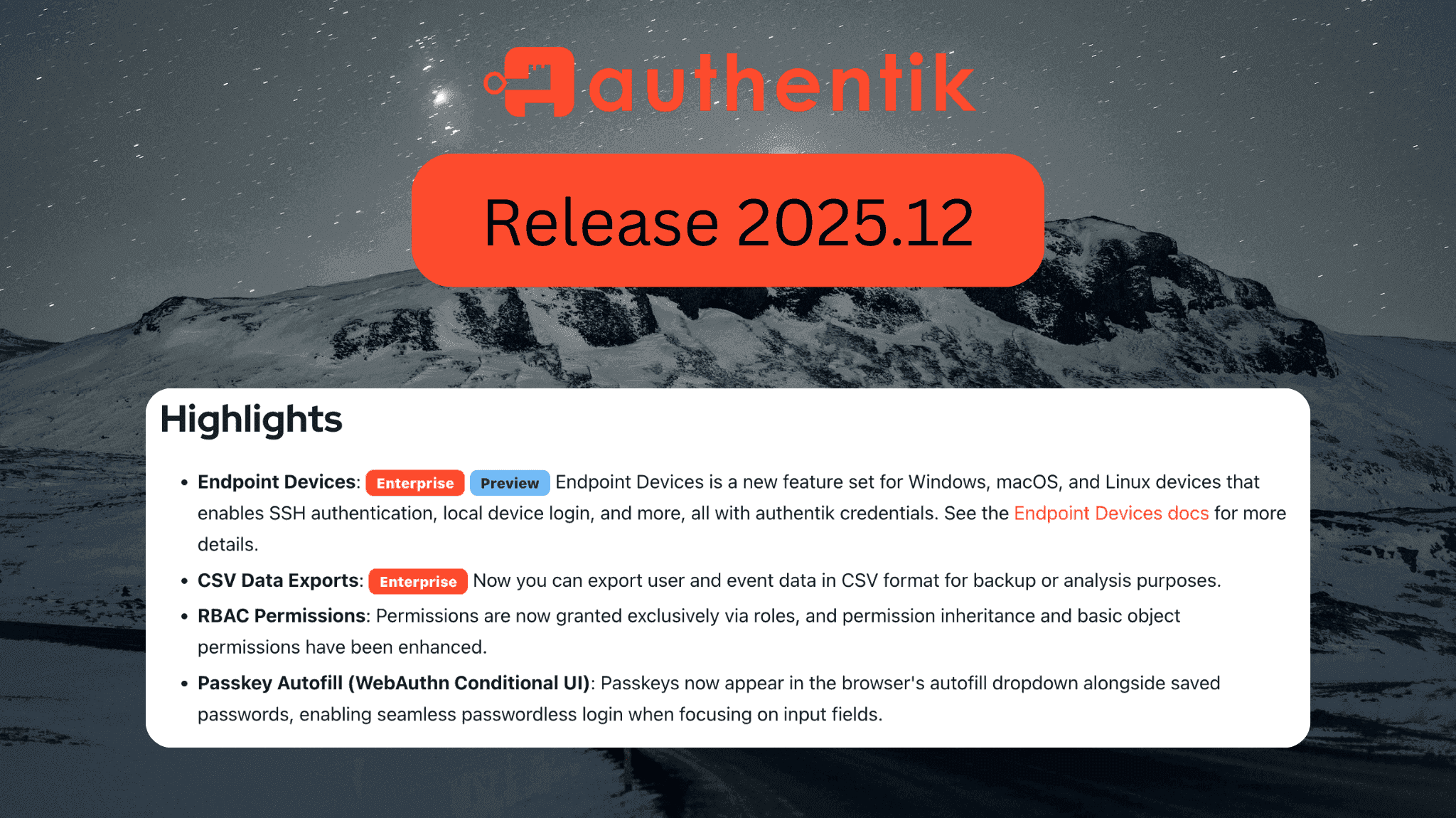
This release of authentik brings some big features, like managing endpoint devices, exporting data, and an overhaul of our permissions system.
Let's take a closer look at what's in the 2025.12 release of authentik, your favorite identity provider.
New features
- Endpoint Devices (Enterprise, Preview): With endpoint devices, authentik can now directly integrate with Windows, macOS, and Linux devices. After installing the authentik Agent on your device, you can do things like local device login with authentik credentials, restrict logins to authentik to properly configured devices, or authenticate to CLI applications like kubectl and AWS. Check out the Device Endpoint documentation to learn more.
-
CSV Data Exports (Enterprise): You can now export user and event data in CSV format for backups or analysis. A record of your exports will be tracked at System Management > Data Exports, where you can view queries, search by data type, download completed exports, and delete old exports. Check out the Data Exports documentation to get started.
-
Passkey Autofill (WebAuthn Conditional UI): When passkey autofill is enabled, authentik will now automatically prompt your users for a passkey at login instead of making your users select the option to log in with them. This provides a smoother passwordless experience for users. Learn more in the Passkey Autofill documentation.
-
RBAC Permissions overhaul: We've made some major changes to how authentik handles RBAC permissions. Before groups could only have one parent, but now groups can have many parents. Before groups only inherited the
is_superuserflag from parent groups, but now groups inherit all of their parents' roles and permissions. Permissions can no longer be directly applied to users and must be added to a role that is then applied to the user. Although group name uniqueness was already supported at an API level, this release also enforces unique group names at the database level. Read more about how our access control works in the access control documentation. -
Centralized file management: authentik now provides a centralized file management system for storing data exports, application icons, source icons, flow backgrounds, user avatars, and branding assets. You can manage your files from Customization > Files in the Admin interface. You can also configure authentik to use S3 storage. Read more about why we revamped file management.
Enhancements
-
Promoted sources: You can now have your federated sources display as a primary button instead of an icon during authentication which allows more customization of the login page.
-
Locale selector: We've added a locale selector to the login page of authentik, allowing your new users to select their preferred language as soon as they begin authenticating. The locale selector also supports automatically updating the preferred language via geodetection, and the updated language will persist for the rest of the user's session.
-
Mobile and tablet UI improvements: Flows now work better on smaller screens with fixes for scrollbars, smarter login card shadows, and better form label/alignment. If you use custom styles, you might need to revise them.
Changes to be aware of
We have made some breaking changes this version. Be sure to read along and make any updates as needed.
-
RBAC changes:
- Group name uniqueness: Make sure your group names are unique before upgrading. Groups with duplicate names will cause the migration to fail. Groups created before 2024.6 or via non-API mechanisms (like source sync) may have duplicate names.
- Permission inheritance: Groups now inherit all permissions from their ancestor groups, in addition to the existing
is_superuserinheritance. Before, onlyis_superuserwas inherited. - Multiple parent groups: Groups can now have multiple parents. Before, a group could only have one parent.
- User permissions: All permissions must now be attached to a role. Existing user permissions will be migrated to a role named
ak-migrated-role--user-{user_id}.
-
Storage changes:
- Files are now served from
/filesinstead of/media. Update any custom reverse proxy configurations. - If using local storage, authentik now expects a mount at
/data. Move your existing/mediamount to/data/media. For Docker Compose users:docker compose down
mkdir -p ./data
mv ./media ./data/media
- Files are now served from
New integration guides
A big thanks to our community contributors for many of these new guides:
- Audiobookshelf (Thanks @0skater0!)
- Amazon Business (Thanks @nicedevil007!)
- ChatGPT (Thanks @nicedevil007!)
- ezBookkeeping (Thanks @mayswind!)
- FortiMail (Thanks @nicedevil007!)
- GLPI (Thanks @lameslime!)
- Hoop.dev (Thanks @shcherbak!)
- Jellyseerr (Thanks @gabay!)
- Joplin (Thanks @tetragir!)
- Keycloak
- KitchenOwl (Thanks @l0f3n!)
- KnowBe4 (Thanks @nicedevil007!)
- macmon NAC (Thanks @nicedevil007!)
- Microsoft365 (Thanks @nicedevil007!)
- Placetel (Thanks @TimoReusch!)
- Pulse (Thanks @0skater0!)
- Salesforce
- SeaTable (Thanks @christophdb!)
- Wallos (Thanks @0skater0!)
If you have an integration guide you'd like to add, check out how to add a new application.
Upgrade to version 2025.12
Refer to the Upgrade documentation and the Release Notes for detailed instructions.
Enjoy the new release, and as always, reach out to us with any questions or feedback! Connect with us on GitHub, Discord, or with an email to [email protected].