authentik version 2026.5 is here!

authentik is an open source Identity Provider that unifies your identity needs into a single platform, replacing Okta, Keycloak, and Ping. Authentik Security is a public benefit company building on top of the open source authentik project.
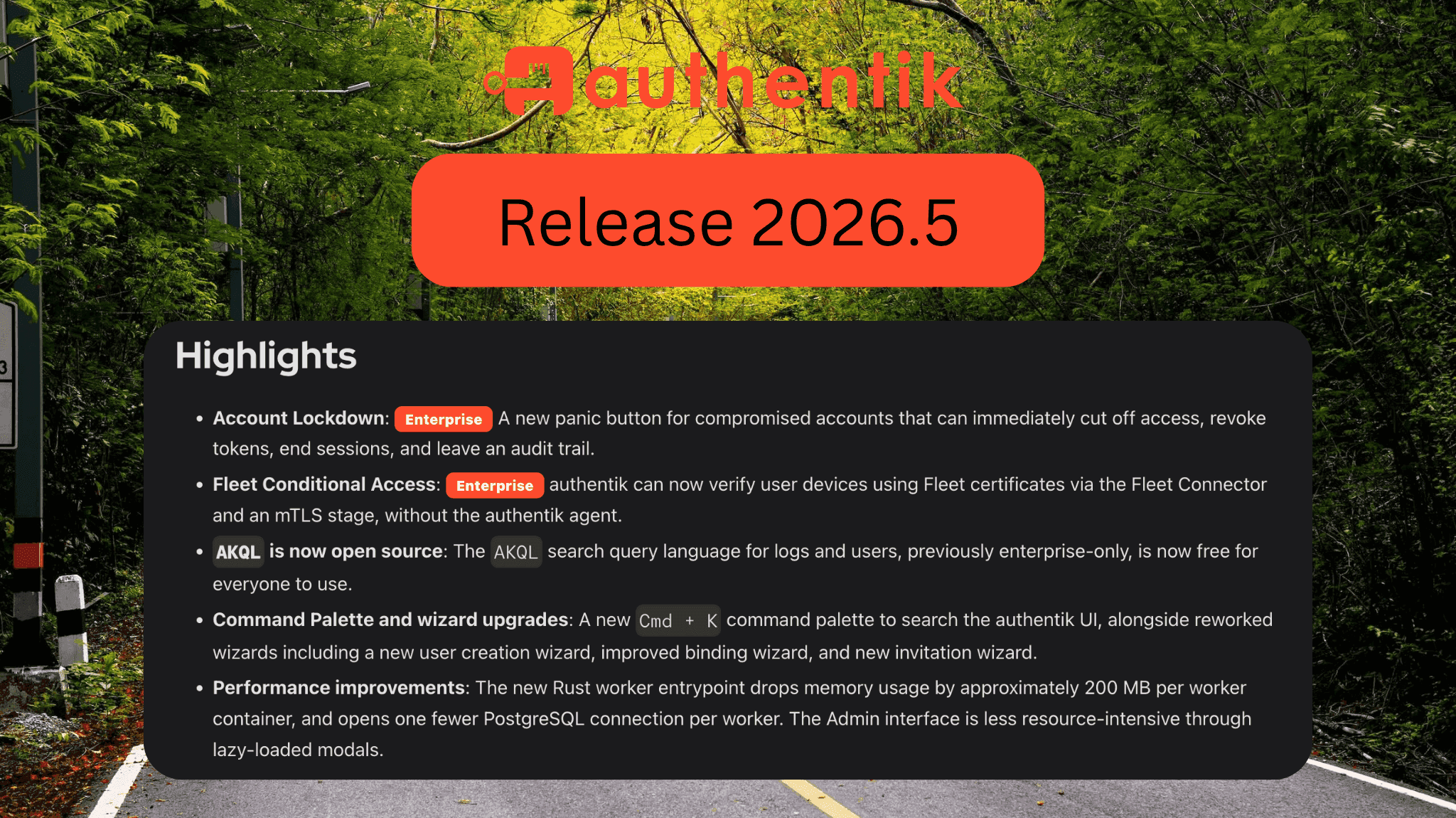
This release of authentik introduces a panic button for compromised accounts, device-based conditional access with Fleet and Google Chrome, a Cmd + K command palette, our AKQL search language going open source for everyone, and performance improvements.
It's also our first release on the new three-month release cadence we announced back in 2026.2, so there's a lot packed in. Let's take a closer look at what's in the 2026.5 release of authentik, your favorite identity provider.
New features
-
Account Lockdown (Enterprise): Sometimes you need to cut off access now. Account lockdown is a panic button for when an account is compromised. An administrator can lock down a user from their detail page, or users can lock down their own account from Settings. A lockdown can deactivate the account, invalidate its password, end active sessions, revoke its tokens and grants, record the reason in the audit log, and notify admins. We ship a packaged blueprint so you can get started quickly. Learn more in the Account Lockdown documentation.
-
Conditional Access with Fleet and Google Chrome (Enterprise): authentik can now check whether a device is compliant and use that as a signal in your conditional access flows through two new connectors. The Fleet connector verifies devices based on their Fleet certificates using an mTLS stage, with no authentik agent required. The Google Device Trust connector integrates with Chrome Enterprise Device Trust via the Chrome Verified Access API to validate that a user's Chrome browser or ChromeOS device is up to date and properly patched.
-
Command Palette: Press
Cmd + K(orCtrl + Kon Windows and Linux) from anywhere in the UI to open a new command palette, then start typing to jump to a page, run an action, or look up a user. There are shortcuts for the impatient too:Cmd/Ctrl + /jumps straight into search, andCmd/Ctrl + Shift + Kopens directly to the actions list. Results are grouped by category, including pages, users, and documentation. It's there for when you know what you want to do but don't want to hunt through menus for it. -
AKQLis now open source:AKQL, our search query language for querying logs and users, used to be enterprise-only. It's now free for everyone, so anyone can run searches on specific attributes likecontext.geo.country = "Germany". -
Performance improvements: The authentik worker now starts via a Rust entrypoint, reducing memory usage by roughly 200 MB per worker container and using one fewer PostgreSQL connection per worker. The Admin interface is also lighter in the browser thanks to lazy-loaded modals. If you develop on authentik, check the updated Developer Docs to install Rust.
Enhancements
-
Reworked wizards: Wizards throughout authentik have been reworked to have fewer steps and cover the most common use cases. The new invitation wizard walks administrators through configuring an invite system and sending invites to users, and service accounts are now created through a faster, more intuitive user creation wizard.
-
2FA attempt throttling: The Authenticator Validation stage can now throttle repeated failed attempts for email and SMS OTP devices, extending the brute-force protection we already had for TOTP and static authenticators. You can configure the throttling without changing the user's login flow.
-
Import hashed passwords: authentik can now bootstrap and import users with pre-hashed Django passwords, so you can keep plaintext passwords out of your automated installs and migrations. Use
AUTHENTIK_BOOTSTRAP_PASSWORD_HASHfor the initialakadminpassword, generate hashes with the newhash_passwordcommand, or import hashes later through blueprints and the user password-hash API. -
WebAuthn Client Hints: The WebAuthn stage now supports the
hintsparameter from the WebAuthn Level 3 spec. You can tell the browser which authenticator type to expect (security-key,client-device, orhybrid) so it skips straight to the right UI during registration and authentication. Keep in mind that hints are advisory and only affect the browser UI, so authenticator type requirements still need to be enforced server-side. -
Tap-to-login with Secure Enclave (Enterprise): Endpoint Devices now support independent Secure Enclave keys for tap-to-login, so iPhone and Apple Watch credentials can be bound directly to a user without first pairing the credential to a specific endpoint device.
-
Configurable OAuth2 grant types: OAuth2 providers now have a Grant Types setting that lets you choose exactly which grant types a provider may use. Existing providers keep all grant types enabled, but you can now disable the ones a particular client doesn't need, which is great for tightening up individual integrations and turning off legacy flows like Implicit or Password.
-
Accessibility and UI improvements: We've made a broad pass over the admin interface. Form labels are now more descriptive for screen readers and spell out the action a button performs, many modals now use the browser-native
<dialog>element so screen readers can traverse them properly, and the login flow gained better "Remember me" focus handling and clearer error messages. We also made a number of improvements for using the admin interface on mobile and tablet for those quick changes on the go. -
SAML provider improvements: authentik now automatically generates your SAML issuer URL (you can still override it), and there's now a single unified SAML endpoint that handles login and logout for both redirect and post bindings, instead of a separate endpoint per method.
-
Fewer dependencies: We removed 17 packages from authentik. Fewer dependencies mean less code to maintain and keep patched, and a smaller attack surface overall.
-
Automatic initial setup: When you set up authentik for the first time, you're now automatically redirected to the initial setup flow instead of having to navigate there yourself.
Changes to be aware of
This version includes a couple of changes worth reading before you upgrade.
-
Default listen address is now
[::]: For advanced setups, authentik now supports a comma-separated list of listening IPs. As part of this, the default IP we listen on changed from0.0.0.0to[::]to better match ecosystem standards. Some IPv4-only environments may need to adjust their listening settings. -
"My applications" is now the "Application Dashboard": The My applications page has been renamed to Application Dashboard, and related labels, documentation, and integration guides were updated to match. You can now also hide applications from the dashboard with the new Hide from Application Dashboard toggle. If you previously hid an application by setting its Launch URL to
blank://blank, those applications are automatically migrated to the new toggle on upgrade.
New integration guides
A big thanks to our community contributors for many of these new guides:
- Absorb LMS
- Anthropic
- Anthropic Workload Identity Federation
- Forgejo (Thanks @djagoo!)
- grommunio (Thanks @snxRCS!)
- Okta
- OneUptime (Thanks @M-Slanec!)
- PhotoPrism
- PostHog
- RabbitMQ (Thanks @djooberlee!)
- Splunk Enterprise (Thanks @jhuesser!)
- Technitium DNS (Thanks @scinca!)
We also revamped the GitHub Enterprise guides, splitting them into dedicated paths for GitHub Enterprise Cloud, Managed Users, and Server.
If you have an integration guide you'd like to add, check out how to add a new application.
Upgrade to version 2026.5
This release doesn't introduce any new requirements. Refer to the Upgrade documentation and the Release Notes for detailed instructions.
Enjoy the new release! As always, we'd love to hear your questions and feedback. Connect with us on GitHub, Discord, or with an email to [email protected].